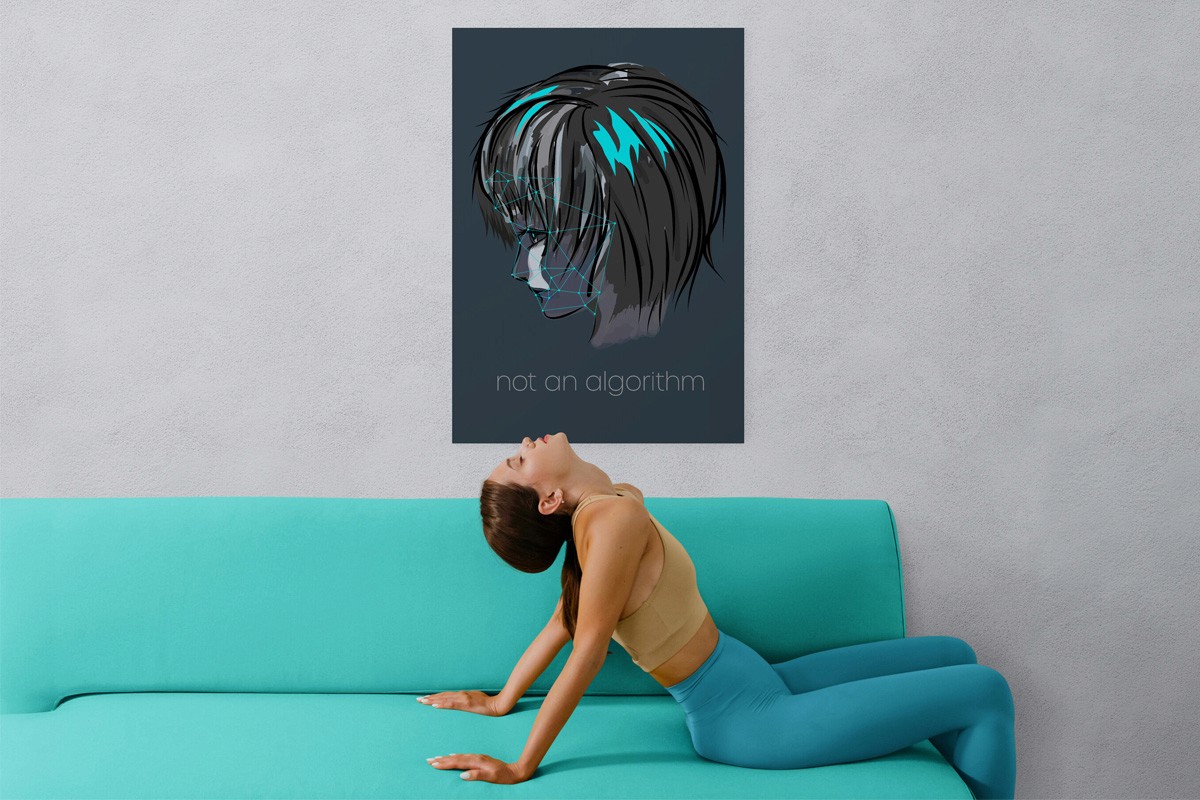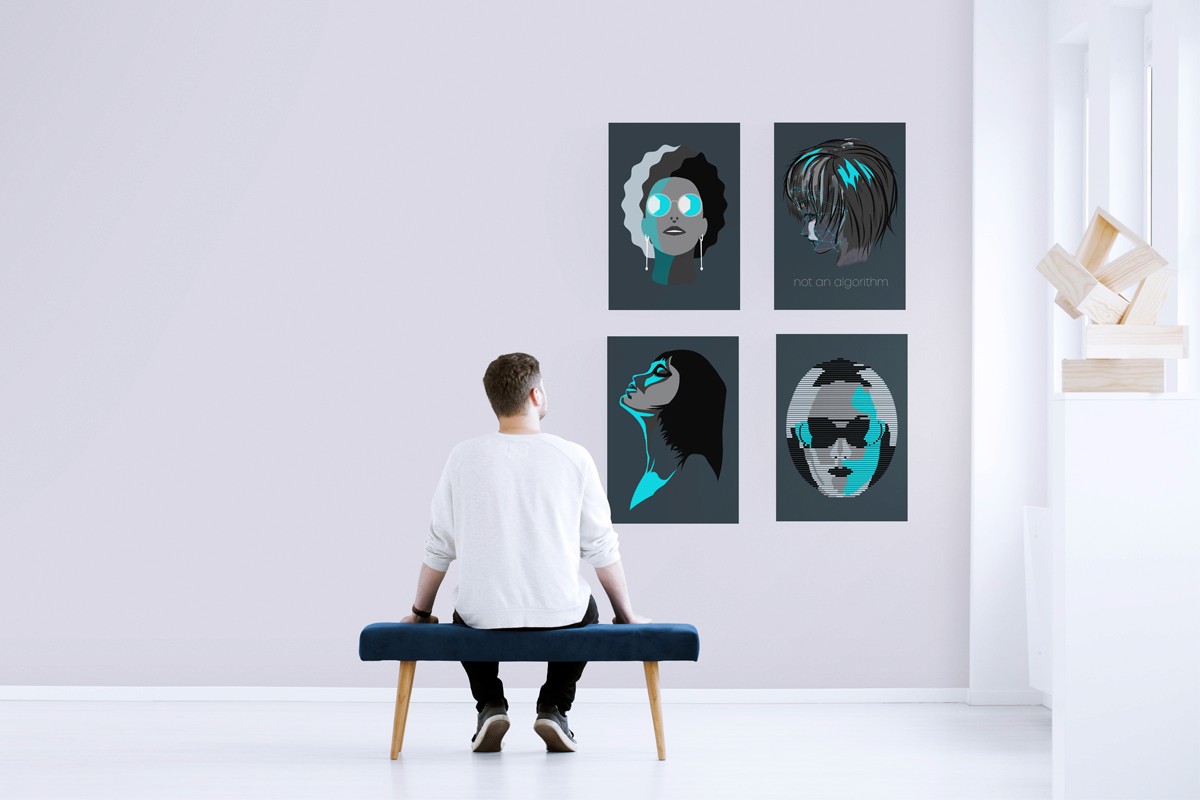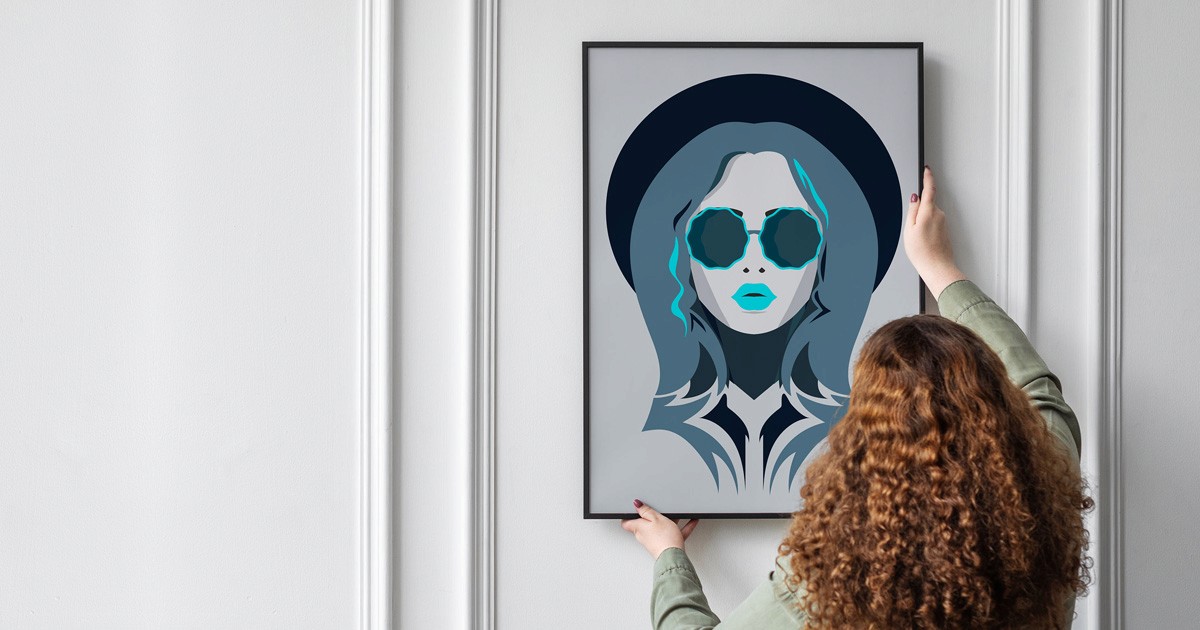
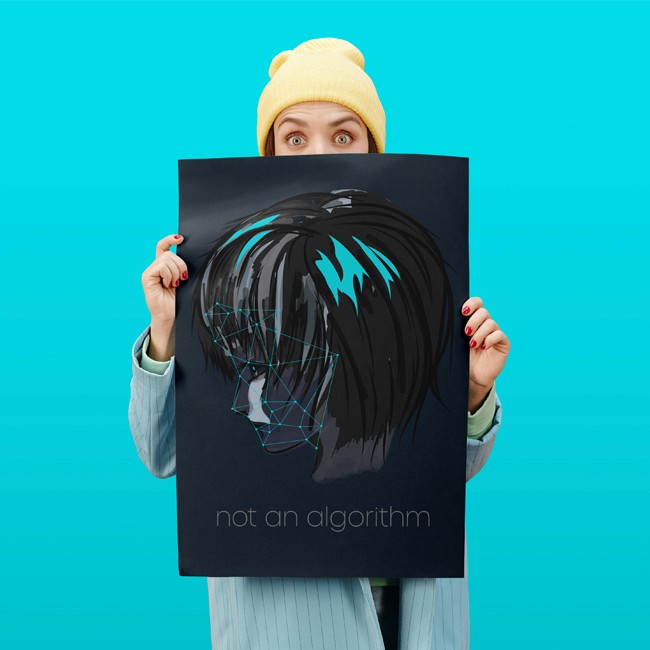
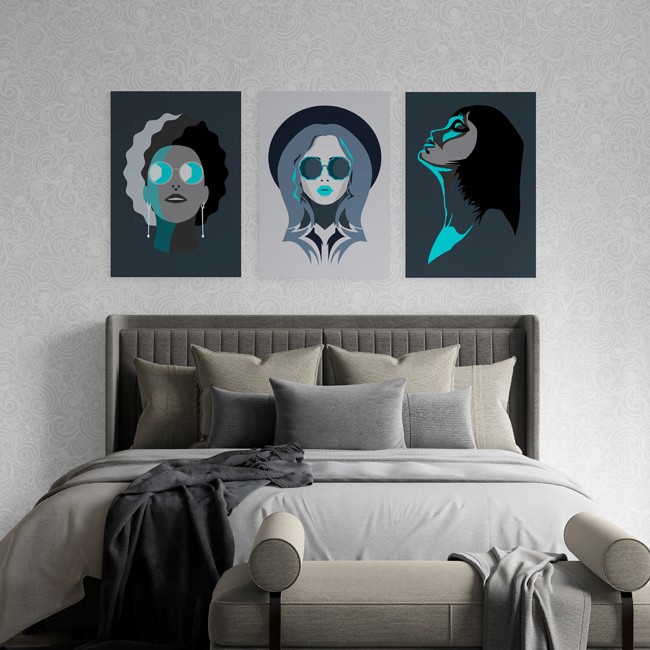
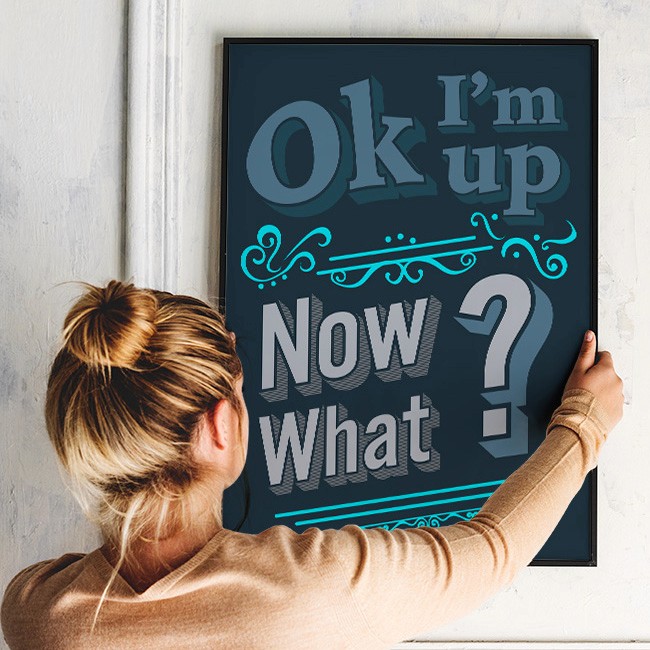
How to download your artwork:
To get your monochrome artwork, all you have to do is click the download button of the artwork of your choice, the pdf will open on your screen, then click download again.
Transforming a digital file into a professional-grade gallery piece is simple when you follow these four steps:
Choose the Right Paper Stock
For the best visual results, avoid standard printer paper.
For a Modern Look: Use Heavyweight Matte Paper (200gsm+). It eliminates reflections and gives the art a "fine art" feel.
For Vibrant Colours: Use Satin or Luster Paper, which provides a slight sheen that makes colours "pop" without the harsh glare of full-glossy finishes.
2. Select the Correct Print Settings
To ensure the art looks exactly as intended:
Set your printer to its highest resolution (High Quality or Best).
Ensure the Scale is set to 100% or "Actual Size" to avoid unwanted cropping, or to your paper size (eg. A4) if you do not want it full size as they are A1 (594mm wide x 841mm high).
Use CMYK colour mode settings if your printer software allows it, as this matches professional ink standards.
3. Professional Framing Techniques
A frame does more than hold the art; it protects it.
Use a Mat Board: Adding a white or cream mat board creates "breathing room" around the artwork, instantly making a digital print look like an expensive gallery acquisition.
UV-Protective Glass: If your living space gets a lot of natural light, choose a frame with UV-filtering glass to prevent the colors from fading over time.
4. Sourcing Local or Online Printing
If you don't have a high-end home printer, you can upload your files to:
Local Print Shops: Great for same-day pickup and supporting local businesses.
Online Services: There are sites that specialise in giclée-quality prints on archival paper.
A couple of the latest posts, if you want to read more, head over to the blog page.
Take a look